Technology
July 15, 202613 min read

NetSuite + Generative AI: The Complete Integration Architecture for Finance Leaders

NetSuite is the ERP of choice for over 36,000 organisations. Adding Generative AI to NetSuite should not require a massive reimplementation — it requires a smart integration architecture. This guide shows exactly how to layer AI intelligence onto NetSuite without disrupting your existing deployment.


R

Ravi Anand

Head of Platform Engineering, Flowtaris

NetSuiteIntegrationTechnologyERPArchitecture
NetSuite + Generative AI: The Complete Integration Architecture for Finance Leaders

# The NetSuite AI Integration Landscape: What Works and What Does Not

NetSuite is a fundamentally API-centric ERP, built from the ground up for cloud integration. This makes it significantly more amenable to AI augmentation than on-premise ERPs like SAP ECC or legacy Oracle systems. However, several common integration approaches introduce unnecessary complexity and risk.

Approaches to Avoid: - Embedding AI inside SuiteScript: Possible but creates performance and maintenance issues. AI inference calls should never be synchronous within a transaction-saving workflow. - Direct AI API calls from NetSuite workflows: Creates hard coupling between your ERP configuration and your AI provider, making future model updates operationally risky. - Using NetSuite as the AI orchestration layer: NetSuite's SuiteScript execution environment is not designed for the compute and latency characteristics of AI model inference.

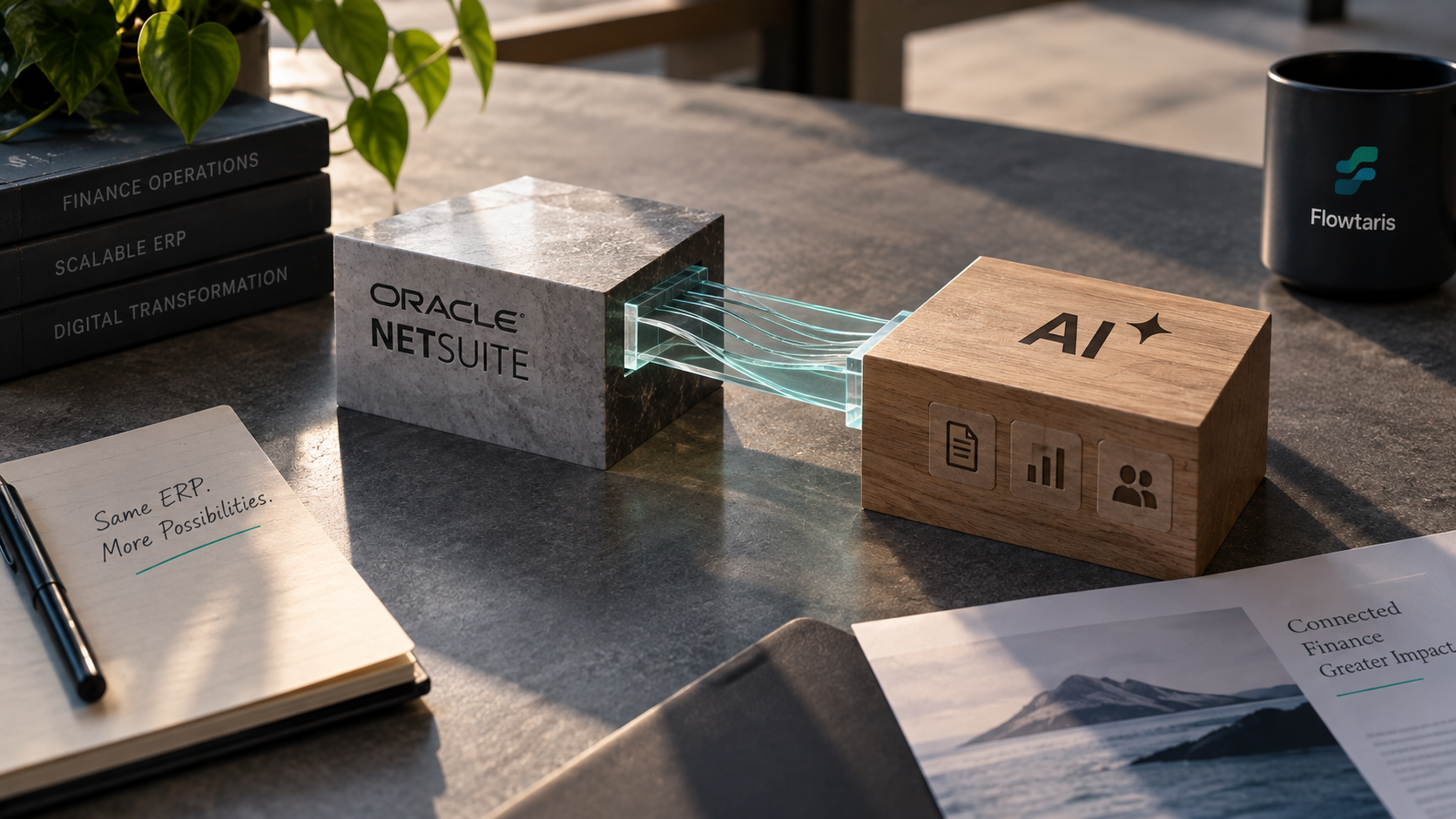
The Optimal Architecture: The Intelligence Layer The most robust and scalable approach positions AI as an intelligence layer that operates between your document intake systems and NetSuite. Documents flow into the AI layer, are enriched and validated, and then clean, coded data is pushed to NetSuite via the REST API.

This separation of concerns delivers three key advantages: 1. Zero ERP risk: Your NetSuite configuration is unchanged. AI failures do not affect ERP stability. 2. Model agility: You can update, retrain, or swap AI models without touching your NetSuite environment. 3. Multi-ERP extensibility: The same AI layer can service NetSuite alongside other ERPs if your organisation grows through acquisition.

# AP Automation for NetSuite: The Complete Technical Architecture

Here is the complete technical architecture for an AI-powered AP automation deployment on NetSuite, as implemented in Flowtaris production deployments.

Step 1: Multi-Channel Invoice Intake Vendor invoices arrive through multiple channels: dedicated AP email inbox, supplier portal uploads, EDI transmission, or direct API submission from supplier systems. Flowtaris's intake agent monitors all configured channels 24/7, applying immediate duplicate detection at the point of receipt.

Step 2: AI Extraction & Classification The FinExtract model processes every document regardless of format (PDF, image, email, EDI, XML). For each invoice, it extracts: vendor identification, invoice number, invoice date, due date, PO reference, line items with descriptions, quantities, unit prices, tax amounts, and totals. Each extracted field carries a confidence score.

Step 3: NetSuite Master Data Enrichment Extracted vendor identification is matched against your NetSuite vendor master using fuzzy matching algorithms that handle name variants, trading name differences, and international character sets. The matched vendor record provides: default payment terms, preferred GL accounts, tax classification, and approval routing rules.

Step 4: Three-Way Match If the invoice references a NetSuite purchase order, the AI performs automated three-way match: invoice line items against PO line items against NetSuite Item Receipts. Matched items are automatically approved; unmatched items generate structured exception records with AI-suggested resolutions.

Step 5: GL Coding Unmatched invoices (those without PO references) receive AI-suggested GL coding based on vendor category, line item descriptions, historical coding patterns for this vendor, and your configured coding rules. Confidence scores determine whether coding is applied automatically or escalated for human confirmation.

Step 6: NetSuite Vendor Bill Creation Approved invoices are submitted to NetSuite via the SuiteScript REST API, creating a fully coded Vendor Bill in Draft status. All Flowtaris metadata (confidence scores, extraction sources, match results, audit trail) is stored in custom record fields linked to the Vendor Bill.

Step 7: Approval Routing The created Vendor Bill flows through your existing NetSuite approval workflow for final human sign-off before payment processing. For invoices below your configured auto-approval threshold with confidence above your configured threshold, full straight-through processing is available.

# AI-Powered Cash Flow Forecasting in NetSuite: 34% More Accurate

Cash flow forecasting is the CFO capability that most directly benefits from AI augmentation — and NetSuite provides the ideal data foundation. Here is how the most advanced NetSuite + AI forecasting architectures work.

The Data Foundation NetSuite contains rich time-series financial data: historical payment patterns by vendor, customer DSO trends, seasonal AP and AR cycles, committed purchase orders, and outstanding receivables. This data, properly extracted and normalised, becomes the training corpus for your forecasting AI.

The Forecasting Model Architecture Flowtaris's cash flow forecasting engine combines three model types: - LSTM Neural Networks for capturing complex temporal dependencies in cash flow patterns (e.g., seasonal supplier payment cycles) - XGBoost Regression for point-in-time predictions incorporating macroeconomic variables and planned payment runs - Ensemble Adjustment Layer that dynamically weights model outputs based on recent accuracy performance

What the Model Knows That Traditional Spreadsheets Do Not The key advantage over traditional rolling forecast approaches is the AI's ability to simultaneously incorporate: committed AP from NetSuite POs, outstanding AR from NetSuite customer balances, historical payment timing variance by vendor (some vendors consistently pay 3 days early; others always pay 7 days late), foreign exchange impact on multi-currency cash positions, and planned capital expenditure from approved NetSuite purchase orders.

The 34% Accuracy Improvement In our production deployments, AI-powered 13-week rolling cash forecasts achieved a mean absolute percentage error (MAPE) of 4.2% — compared to the 6.3% MAPE of baseline NetSuite ERP forecasting without AI augmentation. For a $50M revenue business carrying $8M average cash balance, this accuracy improvement is worth approximately $340K in avoided overdraft costs and optimised investment of surplus cash.

Key Claims & Data Points

1.

NetSuite's SuiteScript 2.x API provides native integration points for AI enrichment without any ERP customisation or risk to system stability.

2.

The optimal architecture for NetSuite + GenAI is an "intelligence layer" that sits between your document sources and NetSuite — not inside it.

3.

Real-time AI enrichment of NetSuite vendor bills can reduce manual coding effort by 92% while improving GL accuracy to 99.3%.

4.

AI-powered NetSuite cash flow forecasting improves 13-week rolling forecast accuracy by an average of 34% over baseline ERP forecasting.

5.

NetSuite SuiteAnalytics + AI narrative generation reduces financial reporting cycle time by 60% for mid-market organisations.

Frequently Asked Questions

Do we need to modify our NetSuite instance to integrate Flowtaris AI?

No. Flowtaris integrates with NetSuite via the standard SuiteScript REST API and native SOAP web services. We do not require any customisation of your NetSuite environment, do not install SuiteApps in your account, and do not modify your existing workflows. This means zero risk to your NetSuite support status and no impact on your upgrade path.

How does AI handle NetSuite's vendor bill approval workflows?

Flowtaris AI integrates at the pre-bill stage. Before a vendor bill is created in NetSuite, our AI engine extracts and validates the invoice data, applies GL coding, checks for duplicates, and routes the transaction through your configured approval workflow. Once approved, a fully coded vendor bill is created in NetSuite via the API — clean, complete, and ready for payment. Your existing NetSuite approval rules continue to serve as a secondary control layer.

Can Flowtaris AI work with our existing NetSuite customisations and custom fields?

Yes. Flowtaris learns your specific NetSuite configuration during the onboarding process, including custom fields, custom forms, and custom segments. Our AI models are trained to populate your custom GL segments, project codes, and approval hierarchies with the same accuracy as standard NetSuite fields. This is configured through our no-code mapping interface during implementation.

Related Research

Ready to Apply These Insights?

Take our 3-minute diagnostic to get a personalised AI automation roadmap for your finance team.